
Medication Calendar Platform Selector
Select your primary needs below to find the ideal platform for your family's medication management.
Recommended Platform:
Why it fits:
Implementation Checklist:
Follow these steps to ensure success with your chosen platform:
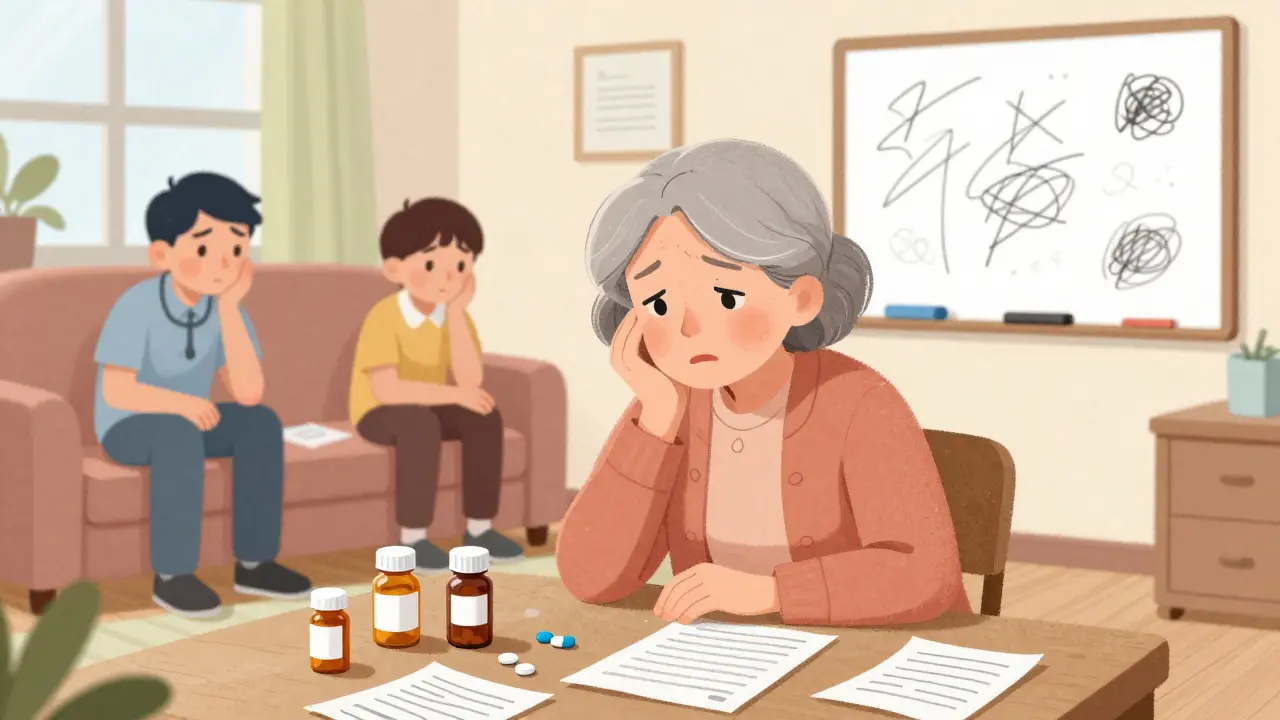
Medication errors are not just annoying; they are deadly. Every year, non-adherence to medication schedules contributes to 125,000 deaths in the United States alone. For families juggling complex care routines, this isn't an abstract statistic-it is a daily risk. The old method of scribbling dosages on a whiteboard or relying on memory simply does not cut it when multiple caregivers are involved. This is where a shared medication calendar becomes essential. It transforms chaotic guesswork into a coordinated safety net, ensuring that pills are taken, interactions are checked, and no caregiver burns out from carrying the mental load alone.
Why You Need a Shared System
The core problem with traditional pillboxes or paper lists is isolation. When one person manages everything, mistakes happen. If that person gets sick, travels, or forgets, the system collapses. A shared digital calendar solves this by distributing responsibility. According to data from Johns Hopkins Medicine, proper scheduling and tracking can prevent 78% of medication errors involving older adults. More importantly, it addresses the human cost of caregiving. With 53 million Americans serving as unpaid caregivers, burnout is rampant. A shared tool ensures that if Mom misses her morning reminder, Dad’s phone buzzes too. It creates a backup system that keeps everyone safe.
Choosing the Right Platform
Not all calendars are created equal. Your choice depends on your family's tech comfort level and the complexity of the medication regimen. Generally, you have two paths: general-purpose calendars or specialized healthcare apps.
| Platform | Best For | Key Feature | Limitation | Cost |
|---|---|---|---|---|
| Google Calendar | Families already using Android/Gmail | Universal access, color-coded layers | No drug interaction checks | Free |
| Apple Calendar | All-iPhone households | Siri integration, seamless sync | Poor cross-platform support | Free |
| Medisafe | Complex medical regimens | Drug interaction warnings (650k+ combos) | Premium needed for full sharing | Freemium |
| Caily | Coordinating tasks + meds | Assign groceries/rides alongside meds | Occasional sync issues | $9.99/mo premium |
| CareZone | Pharmacy integration | Auto-import prescriptions | Lower usability score for seniors | $5.99/mo premium |
If your loved one takes simple medications and your family is tech-savvy, Google Calendar is often sufficient. It allows you to create a separate "layer" for meds so they don’t clutter personal events. However, it lacks safety features. It will not warn you if two drugs interact dangerously. For high-risk patients, specialized apps like Medisafe are superior because they check for interactions across a database of over 650,000 drug combinations. If your challenge is broader than just pills-like coordinating grocery runs or doctor visits-Caily offers a holistic view of care duties.

Step-by-Step Setup Guide
Setting up the calendar is only half the battle. How you configure it determines whether it works or gets ignored. Follow these steps to ensure success:
- Hold a Family Meeting First: Do not start adding meds until you decide who does what. Research from the University of Michigan shows that designating a single "calendar captain" reduces coordination failures by 63%. This person maintains the schedule while others execute it.
- Create a Dedicated Layer: In Google or Apple Calendar, create a new calendar specifically for "Meds." Share this specific layer with family members, not your entire personal calendar. This protects privacy and keeps notifications focused.
- Set Smart Reminders: Configure alerts to trigger 15 minutes before the actual dose time. This buffer accounts for preparation, such as getting water or finding the pillbox. The American Pharmacists Association notes that 68% of implementations fail because reminders are set at the exact dosage time, leading to rushed or missed doses.
- Add Contextual Details: Include instructions in the event description. Does the med need food? Is it taken with juice? Specificity prevents errors.
- Test the Notification Flow: Send a test alert to all caregivers. Ensure phones are not on "Do Not Disturb" during critical windows. Many users report silencing notifications inadvertently, which defeats the purpose.
Privacy and Security Considerations
Sharing health data comes with risks. While convenience is vital, so is confidentiality. General calendar apps like Google or Outlook do not meet HIPAA compliance standards for protected health information. If you are storing sensitive details, consider a specialized app like Medisafe or CareZone, which offer HIPAA-compliant storage options. Additionally, be mindful of who has access. The National Council on Aging reports that 68% of older adults worry about family members seeing their health info. Limit access to essential caregivers only, and avoid sharing detailed medical histories unless necessary.
Common Pitfalls to Avoid
Even the best tools fail if used incorrectly. Watch out for these common traps:
- Ignoring Time Zones: If caregivers live in different states, time zone confusion affects 28% of long-distance arrangements. Always set the calendar to the patient’s local time.
- Over-Reliance on Tech: Dr. Richard M. Frankel warns that 23% of errors occur despite reminders because users ignore them. Use the calendar as a prompt, not a replacement for human verification.
- Skipping Reconciliation: When prescriptions change, update the calendar immediately. Outdated schedules are dangerous. Aim to review the list weekly with the primary caregiver.
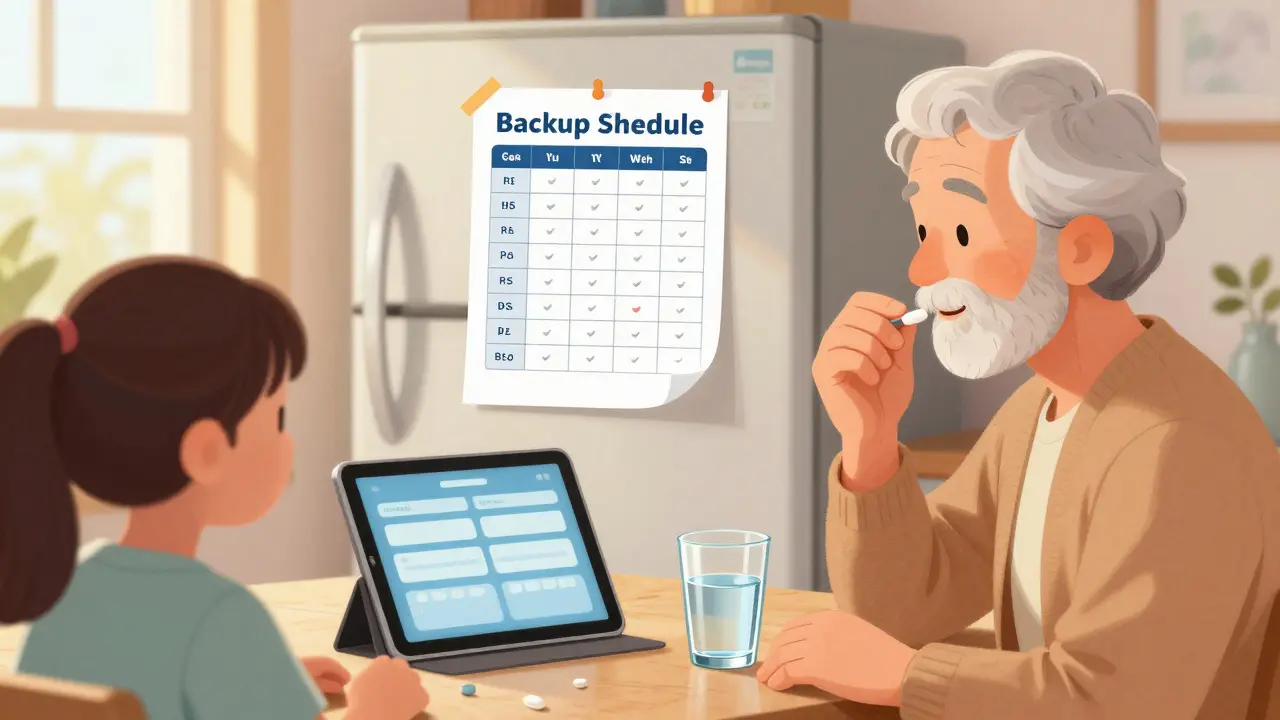
- Neglecting Backup Plans: Technology fails. Keep a printed copy of the schedule visible in the home. Studies show 67% of successful implementations use physical backups for older adults.
Making It Stick
A shared medication calendar is not a set-it-and-forget-it tool. It requires maintenance. Schedule a brief weekly check-in to review upcoming appointments, refill needs, and any side effects. This habit turns a digital tool into a living care plan. As the market for caregiver technology grows to $4.32 billion by 2027, these systems are becoming standard. But the real value lies not in the software, but in the communication it enables. By building a shared space for care, you reduce stress, prevent errors, and give your loved one the dignity of consistent, attentive support.
Is Google Calendar safe for sharing medication details?
Google Calendar is convenient but not HIPAA-compliant. It is safe for basic scheduling among trusted family members, but it lacks encryption standards required for sensitive health data. For complex medical histories, use a specialized app like Medisafe or CareZone that offers enhanced security protocols.
How do I handle medication changes in a shared calendar?
Designate a "calendar captain" responsible for updates. Whenever a prescription changes, the captain should edit the event immediately and send a notification to all participants. Regular weekly reviews help catch discrepancies early.
Can I share a calendar with people who use different phones?
Yes. Google Calendar works across iOS and Android via web browsers or apps. Apple Calendar is limited to Apple devices. Specialized apps like Caily and Medisafe also support cross-platform syncing, making them ideal for mixed-device families.
What if my loved one refuses to use a digital calendar?
Focus on the caregiver side first. Even if the patient doesn’t engage, caregivers can use the calendar to coordinate visits and reminders. Pair the digital tool with a physical pillbox or printed schedule to bridge the gap between tech and tradition.
Are there free options for shared medication tracking?
Yes. Google Calendar and Apple Calendar are free. Medisafe and CareZone offer free basic versions with limited features. For most families, the free tier of a specialized app or a general calendar is sufficient unless advanced drug interaction checks are needed.